TempoMapper™
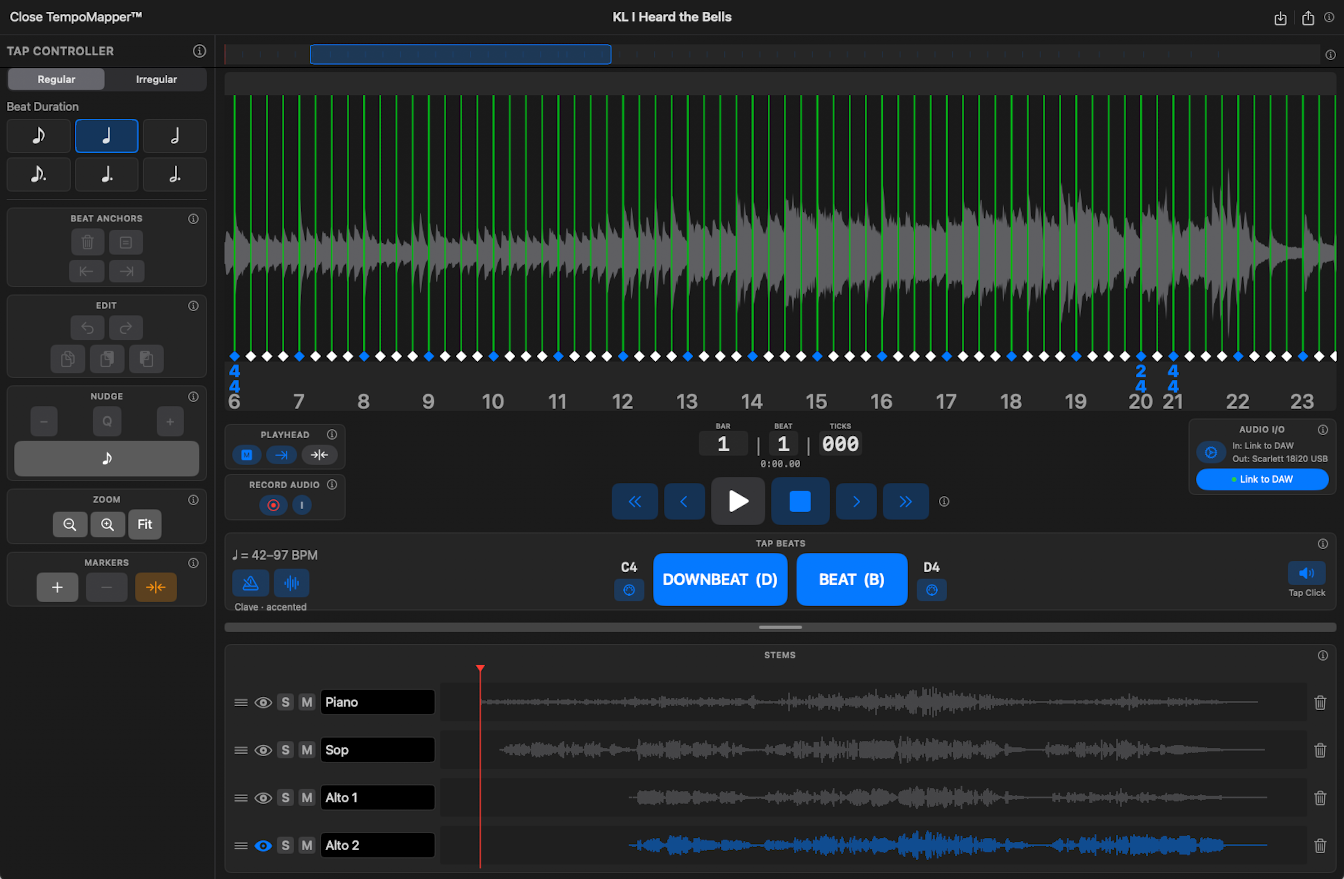
Some cues were played wild: a live take, a rubato performance, a cue composed without a click. TempoMapper™ builds a beat grid against real audio and hands a finished cue to CueBuilder.
- In the Library tap TempoMapper™.
- Record the audio, import a file, or capture it from the DAW through the Link plug-in. Captured from a DAW, the session's own tempo map arrives as a finished grid.
- Play it and tap the tempo as it goes. Anchors land on the taps.
- Nudge the anchors onto the transients in the waveform. Set the meter and any meter changes.
- Export to CueBuilder. The cue opens with the tempo map in place; add stems, PDFs and video as usual.
TempoMapper™ needs Pro and has its own help inside the editor.